2026

Zentra
VR wellness in a shared space
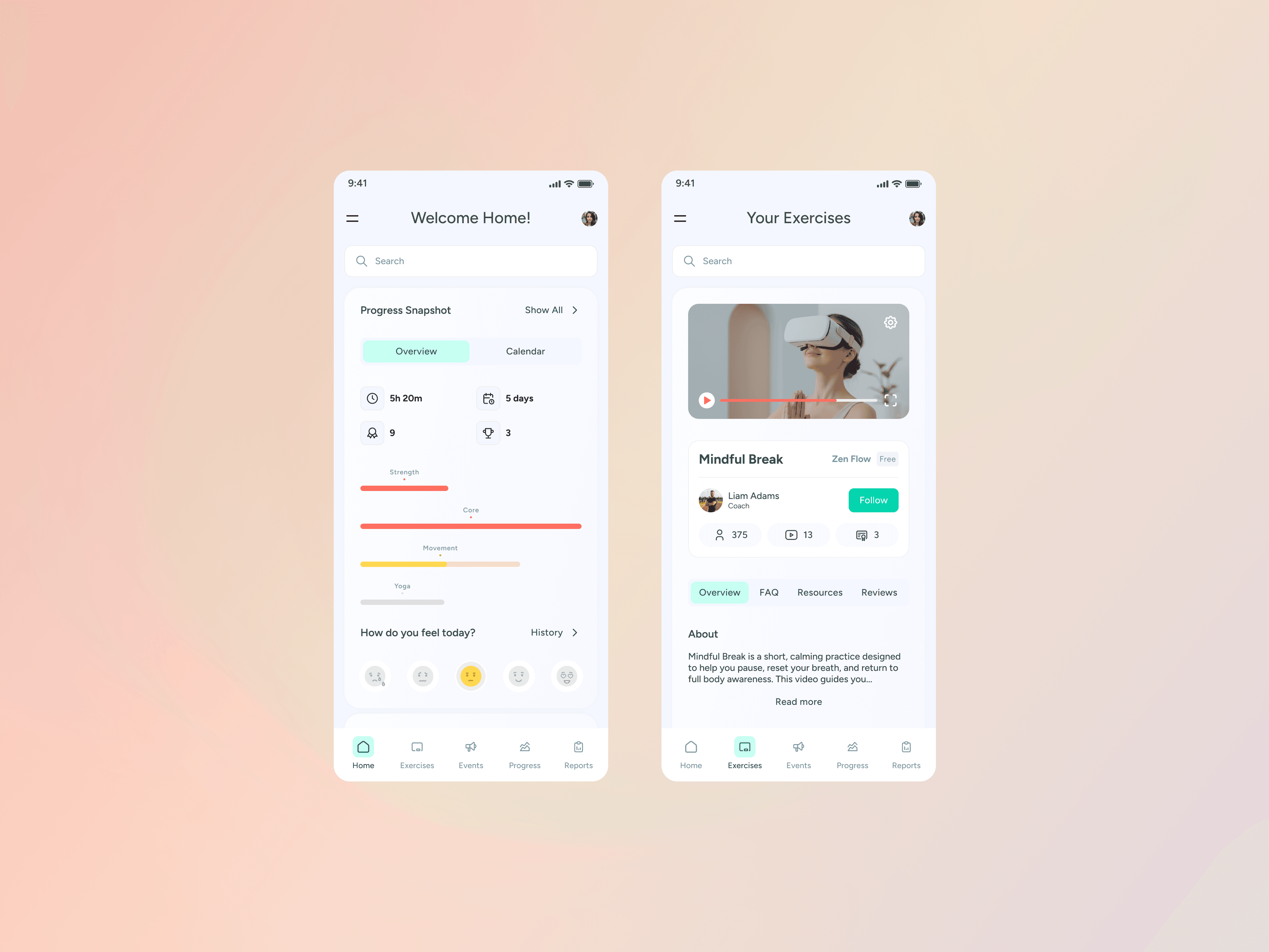
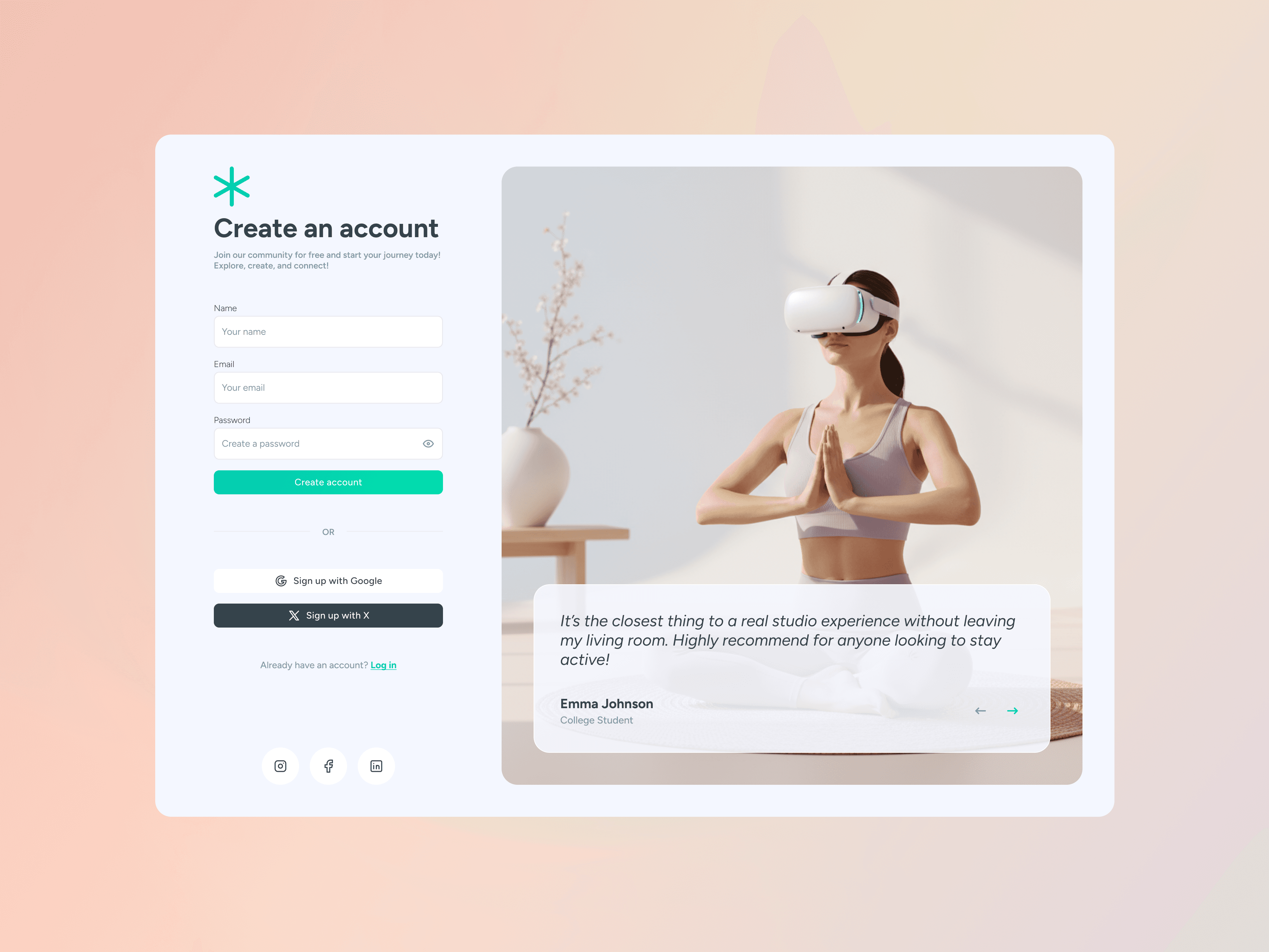
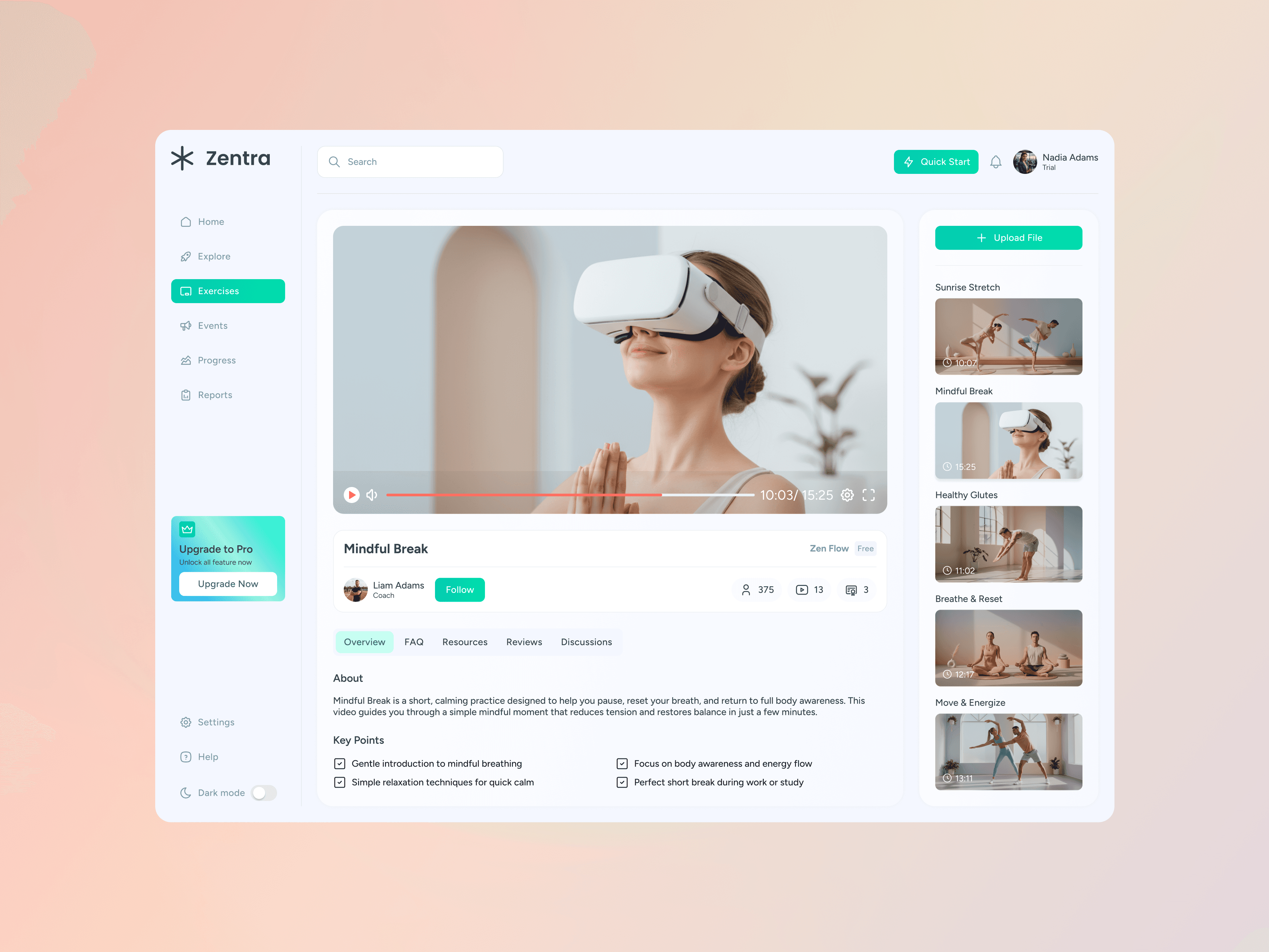
Zentra is a next-generation wellness platform that connects users with trainers inside a shared virtual training studio. Using VR headsets, participants can join guided sessions, follow exercises, meditate, and track their progress — all inside an immersive, calming environment. The goal was to build a consistent visual language across VR-enhanced user flows, mobile interfaces, and management dashboards, creating a polished, scalable experience.
The project includes a complete ecosystem of applications:
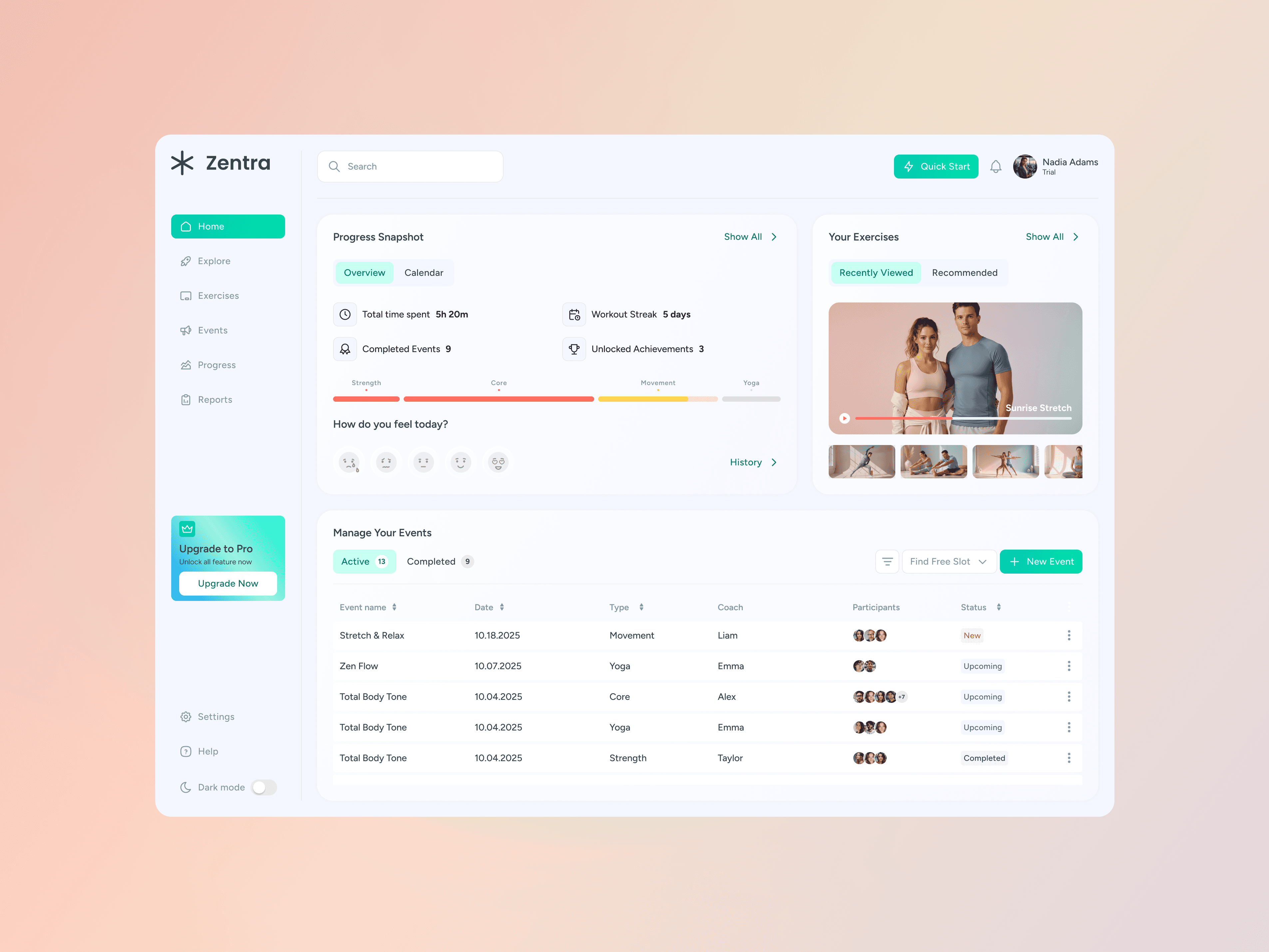
• Web Platform for Users — extended tools, dashboard, and cross-device access
• Trainer Panel (Web) — for creating sessions, managing events, and guiding participants
• Admin Panel (Web) — for oversight, user management, content management, and analytics
1. Research & Concept Exploration
Studied VR wellness products, fitness apps, and remote training platforms to understand UX expectations and opportunities. Identified the need for soft aesthetics, strong clarity, and motivating interfaces.
2. Multi-role Information Architecture
Designed a full system for three user types:
User: workouts, VR session joining, mood & progress tracking
Trainer: schedule management, event creation, participant tracking
Admin: system-wide oversight, analytics, and content management Ensured consistency and logical navigation across all platforms.
3. Wireframing & Responsiveness
Developed low-fidelity wireframes for mobile and web with an emphasis on clarity and daily usability. Tested data hierarchy, spacing, and primary actions across devices.
4. Visual Design & Components
Created a modular design system based on soft gradients, natural lighting, and minimalistic UI elements. Developed reusable components for cards, tables, tabs, progress bars, and VR session previews.
5. Imagery & VR Context
Designed the visual direction with calm studio aesthetics to mirror the VR training environment. Used hero scenes featuring exercise and meditation to reflect real in-app experiences.
6. Microinteractions & Motivation
Implemented subtle UI cues — streaks, achievements, mood input, progress snapshots — to enhance user engagement without overwhelming the interface.